Shree-Mazu Workbench: AI-assisted industrial engineering platform
Configure devices visually, define automation logic, generate embedded code and deploy to custom control hardware. A local AI assistant turns plain-English requests into rules.
The challenge
Small automation jobs still mean ladder logic or embedded C, so every change waits for a specialist. We wanted a machine builder to set up the devices, write the logic and put it on real control hardware without writing firmware.
What we built
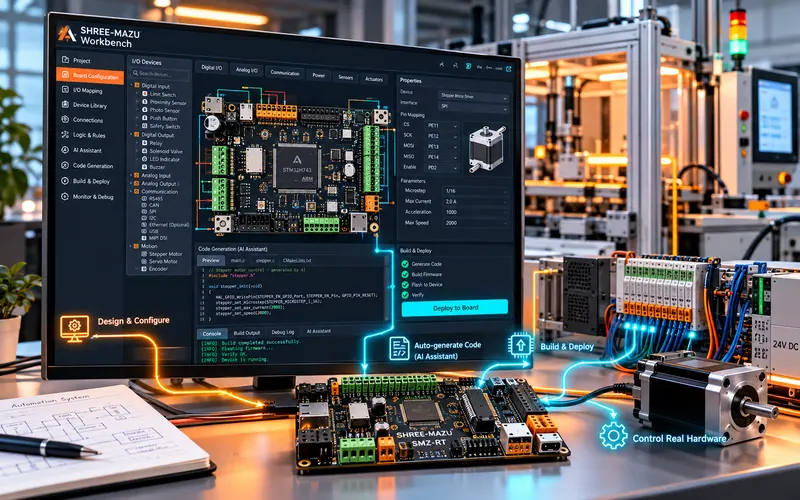
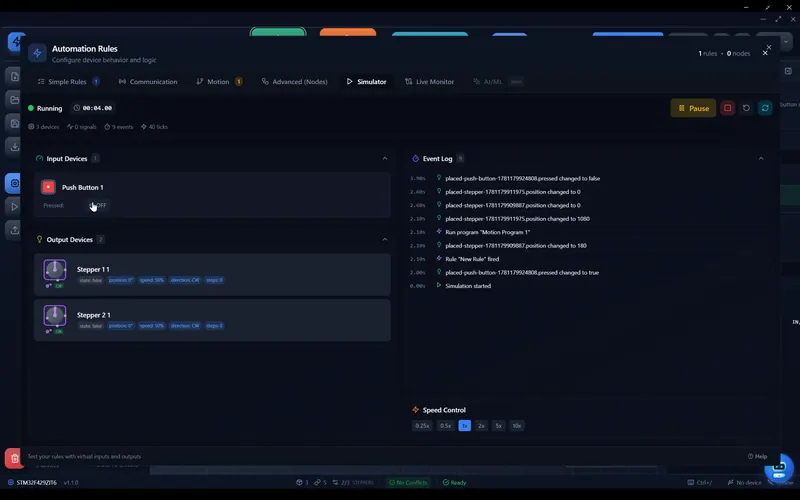
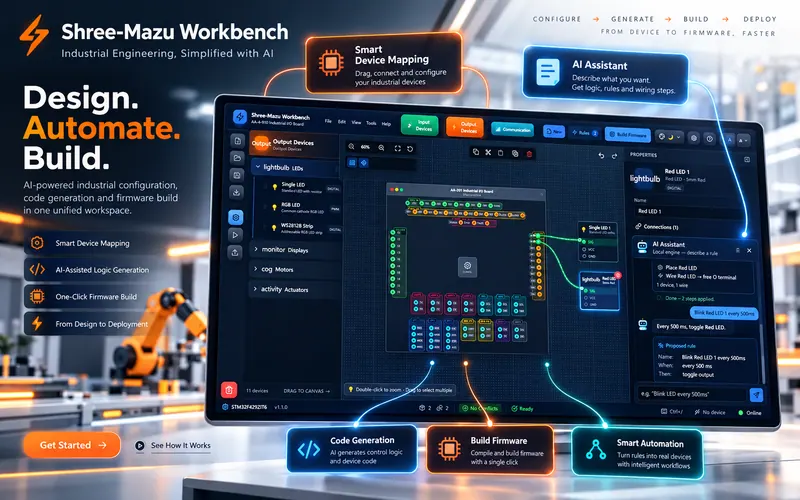
The Shree-Mazu Workbench is a desktop platform for the whole job. Place sensors, motors and outputs on a canvas and map each one to a pin on the controller. Describe the behaviour to a local AI assistant, or build it from visual logic blocks, and test it in simulation. The Workbench then generates the embedded code, builds it and flashes it to our SMZ-F4000 controller in one step, and a live monitor shows I/O values, events and logs while the machine runs.
Engineering highlights
- A device library and canvas: sensors, motors and outputs mapped to the controller's pins with a click
- An AI assistant on a local engine turns plain-English requests into rules, with no cloud account needed
- Google Blockly blocks for motion programs, and for logic beyond simple rules
- Simulation mode to test the logic before the hardware is wired
- Embedded C generated, built and flashed to the board in one step
- A live monitor showing I/O values, events and logs
From canvas to running machine
Set up the devices, define the logic and test it, then generate the firmware and put it on the board, all in one application.
Configure devices
Pick sensors, motors and outputs from the device library and map each one to a pin on the controller.
Define the logic
Describe the behaviour to the local AI assistant, or build it from Blockly blocks, then test it in simulation.
Generate the code
The Workbench writes the embedded C from the device map and the rules, and builds it.
Deploy and monitor
Flash the firmware in one click, then watch live I/O values, events and logs.
More work
All work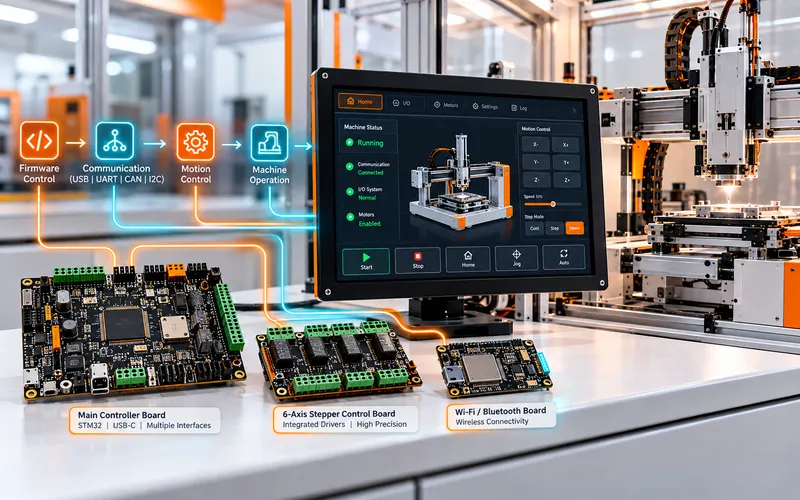
Modular industrial touch panel and control platform
Custom hardware, firmware, communication, motion control and HMI integrated into one machine-control ecosystem, from our STM32 main controller to the touch panel the operator uses.
Read the case study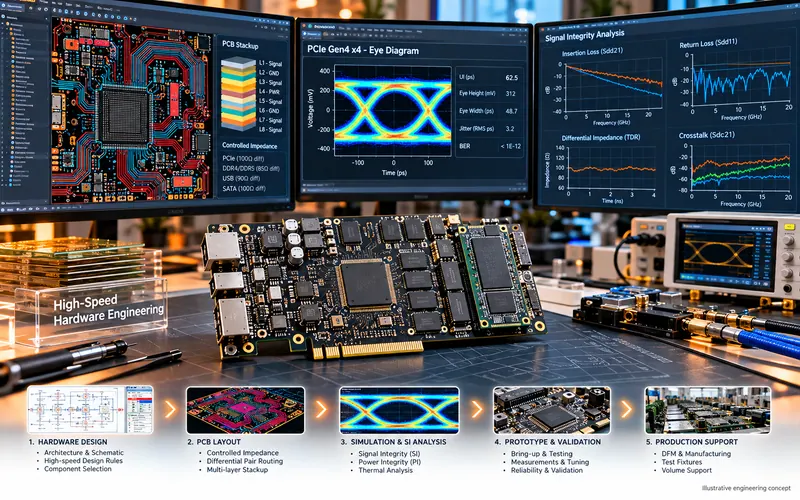
High-speed digital hardware engineering
Complex DDR, SSD/NVMe and PCIe-class board design with signal-integrity analysis and validation reporting. Our own RAM module, SSDs, an AI card and a single-board computer, on 4 to 12 layers.
Read the case study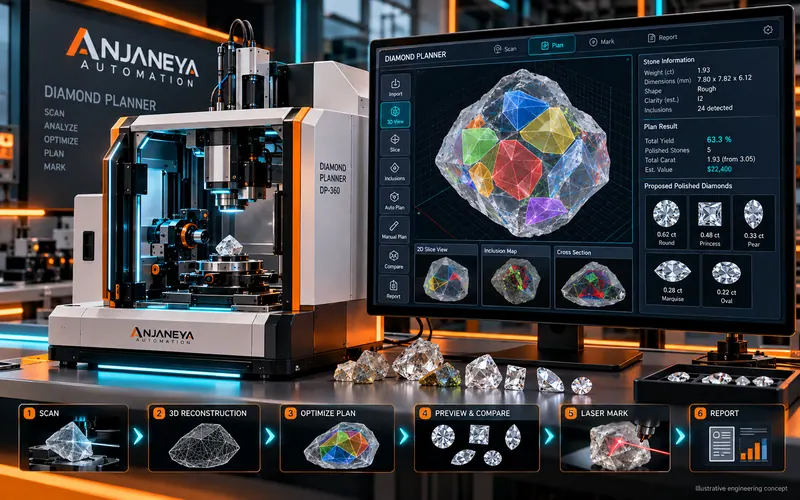
Rough diamond 3D scanning and planning system
A machine that scans a rough diamond in 3D, plans the most valuable polished stones inside it with our own gravity-based optimization, and prepares the plan for laser marking. We designed all of it: the mechanics, the 6-axis controller board and the software.
Read the case studyHave an idea, a product or a machine to improve?
Tell us what you want to build or the machine you want to modernize. We reply within 24 hours on working days. We sign an NDA before you share details.